
Signup forms
The Signup Forms tab gathers the ways of collecting subscribers on your shop.
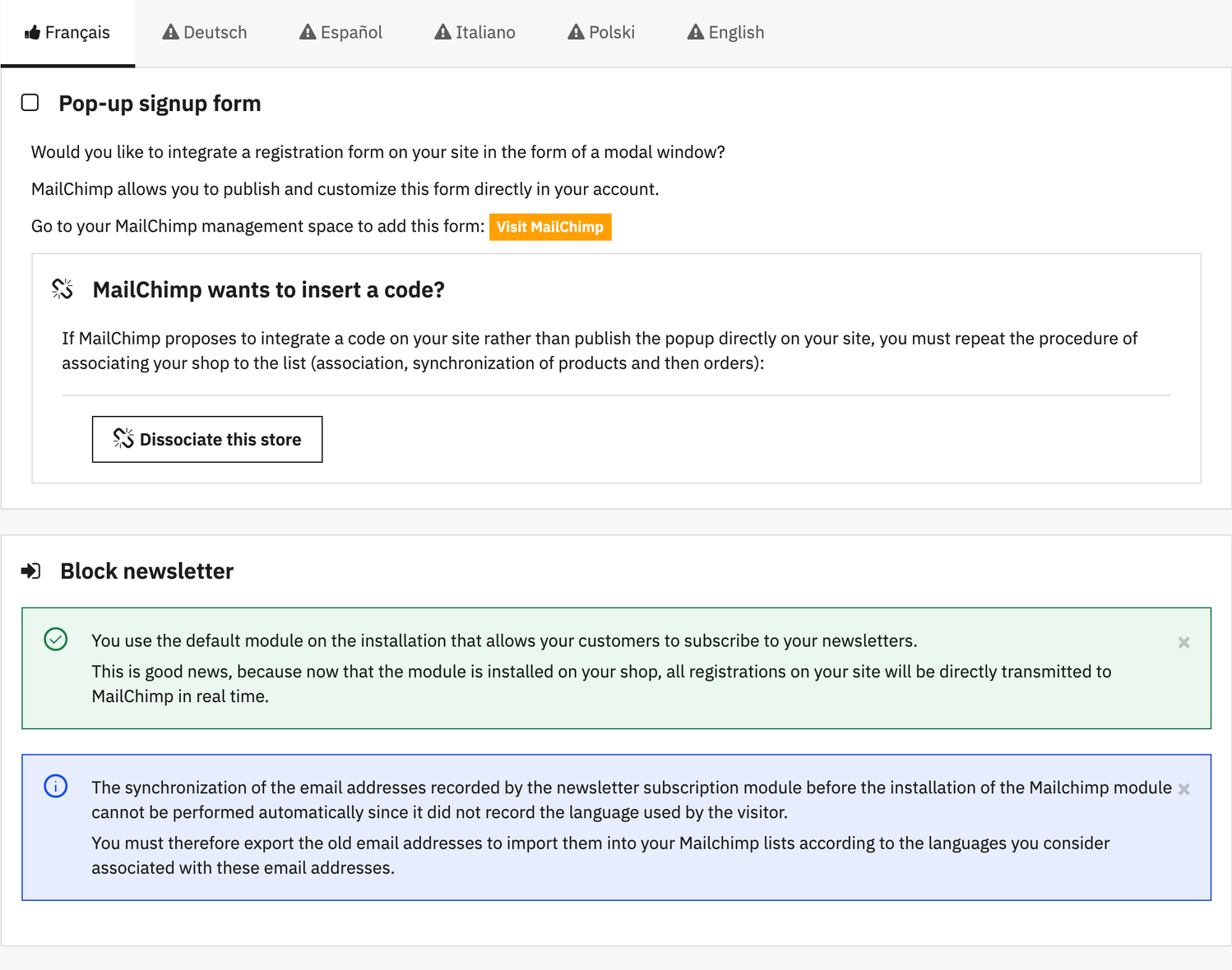
Block newsletter
When the PrestaShop newsletter module is installed (ps_emailsubscription, or blocknewsletter on PrestaShop 1.6), each signup made through its block goes to Mailchimp in real time, thanks to the override added by the module.
The Send the N newsletter block subscribers button of the List tab catches up the subscribers missing from the audience, with their signup date and IP address. Contacts already there keep their status and fields: someone who unsubscribed is never subscribed again. This catch-up requires PrestaShop 1.7 or later, with a version of ps_emailsubscription that records the visitor's language.
If no newsletter module is installed, the Activate this signup form option displays in its place a signup field that saves directly to the Mailchimp audience; its position is set in Design > Positions.
On PrestaShop 1.7 and later, the account creation form always offers the newsletter signup checkbox, even if the theme or the newsletter module does not declare it.
Mailchimp pop-up form
Mailchimp can display its own signup form in a modal window: you create and publish it from your Mailchimp account (Visit MailChimp button). It is served by the shop's Mailchimp script, whose loading is set in the Privacy tab.
If Mailchimp asks you to insert code on the site rather than publish the pop-up, redo the store association: dissociation, then association, synchronization of products and orders.
Double opt-in
With the Double Opt-in option of the Exclusion tab, Mailchimp sends a confirmation email before subscribing a contact, whether they sign up through the newsletter block or when creating their account: the contact remains “pending” until they click. To avoid two confirmation emails, the module then disables the verification email of ps_emailsubscription.