
Log analysis
The Logs tab keeps the module log: synchronization actions and, above all, their errors.
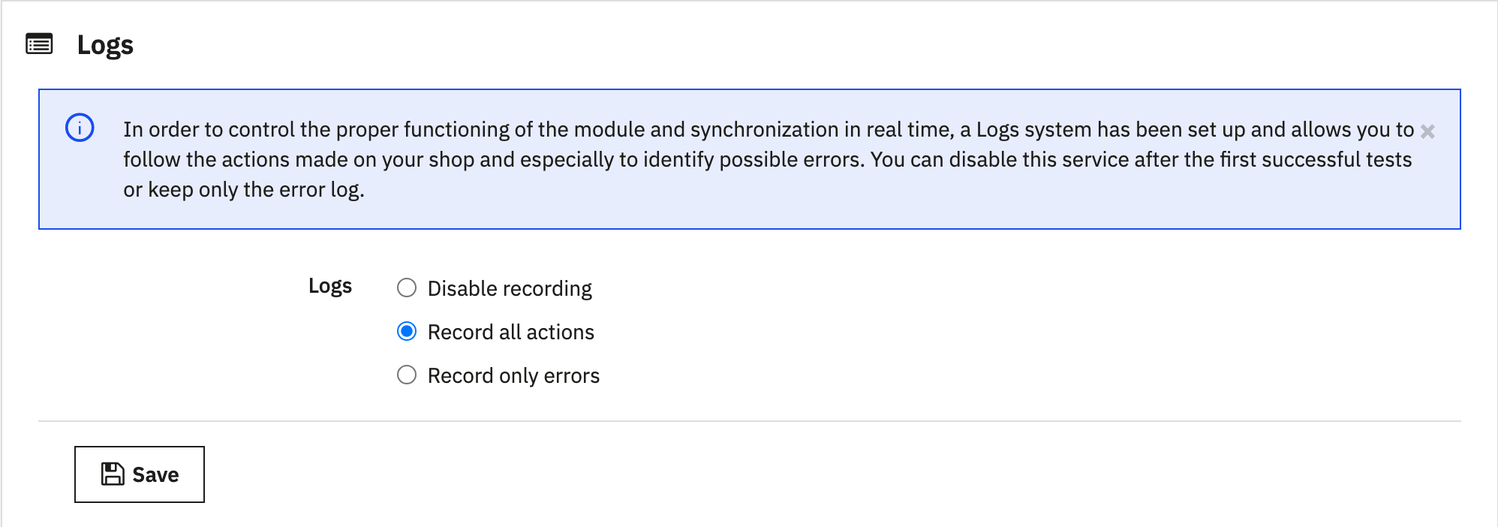
Three recording modes
- Record all actions: for going live or diagnosing a problem;
- Record only errors: for day-to-day operation;
- Disable recording: nothing is written.
List of logs
The list shows the most recent entries, with search and sorting; each entry can be deleted, or all at once with Clean all Logs at once. On a Mailchimp error, the entry keeps the API message and the link to the error report.
Clean the log regularly, or limit it to errors, so that it stays fast. The list is loaded by the shop: it stays empty while the site is in maintenance mode.