
Mailchimp API key
The API Key tab connects the module to your Mailchimp account. It is the first configuration step.
Getting a key
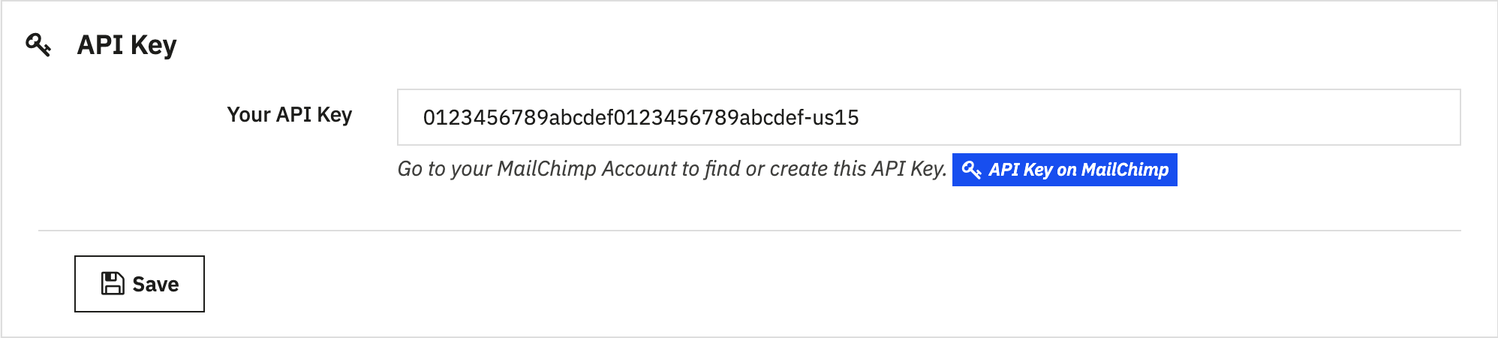
The API Key on MailChimp button opens the page of your Mailchimp account where you create a key: Profile > Extras > API keys > Create A Key. Copy the key, paste it into Your API Key and click Save: the List tab then opens.
Key format
A Mailchimp key is made of 32 characters, a hyphen and the datacenter of your account (for example -us21): the module derives from it the address of the API to call. A key that does not have this format is rejected before any call, with a message saying so.
Expired or revoked key
If Mailchimp rejects the key, the configuration page remains accessible: it shows Mailchimp's message (for example “Your API key has expired”) and opens on this tab, so that you can paste a new key. The other tabs wait for a valid key.
Never share your API key: it gives access to your Mailchimp account. If it may have been exposed, revoke it in Mailchimp and create a new one.